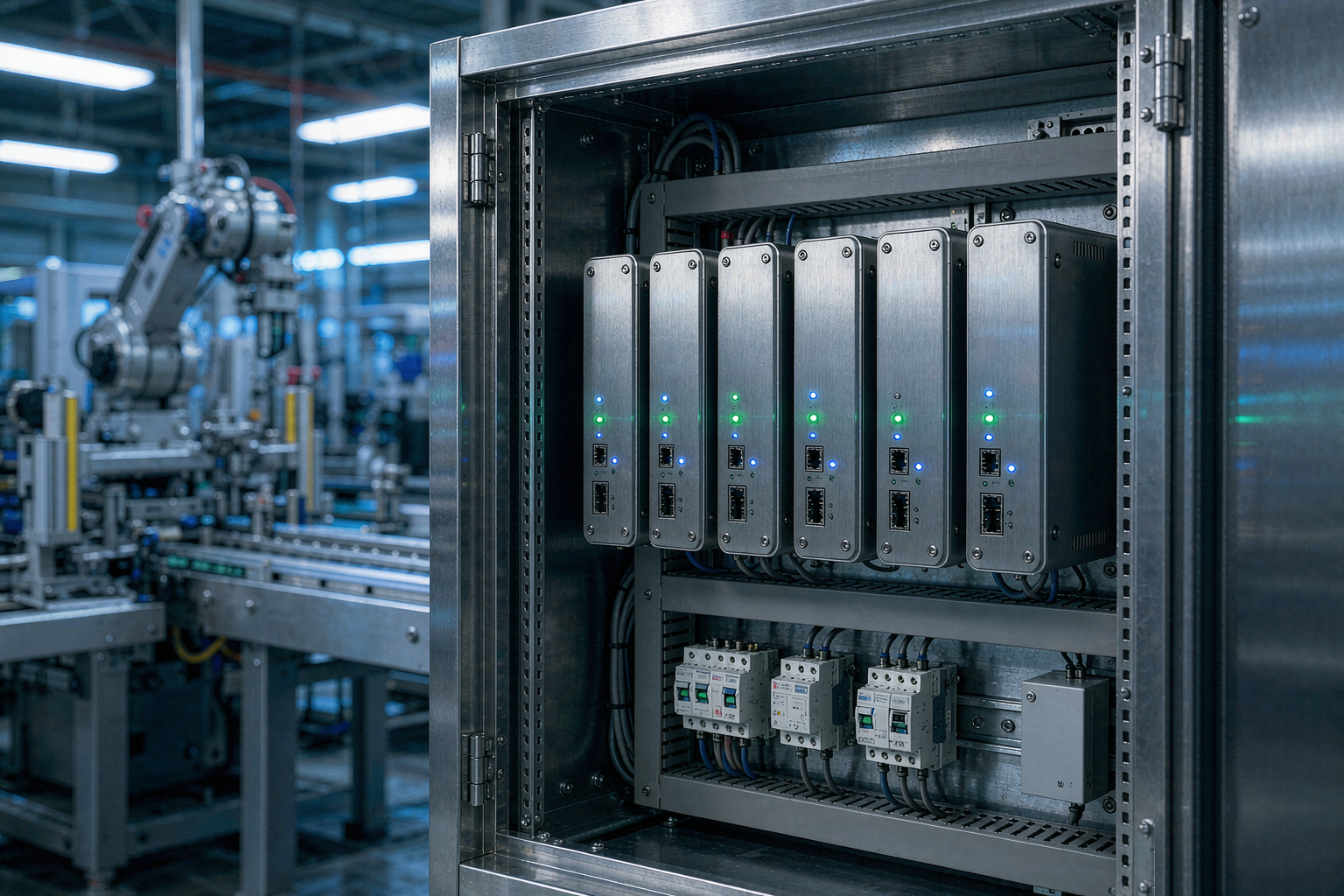
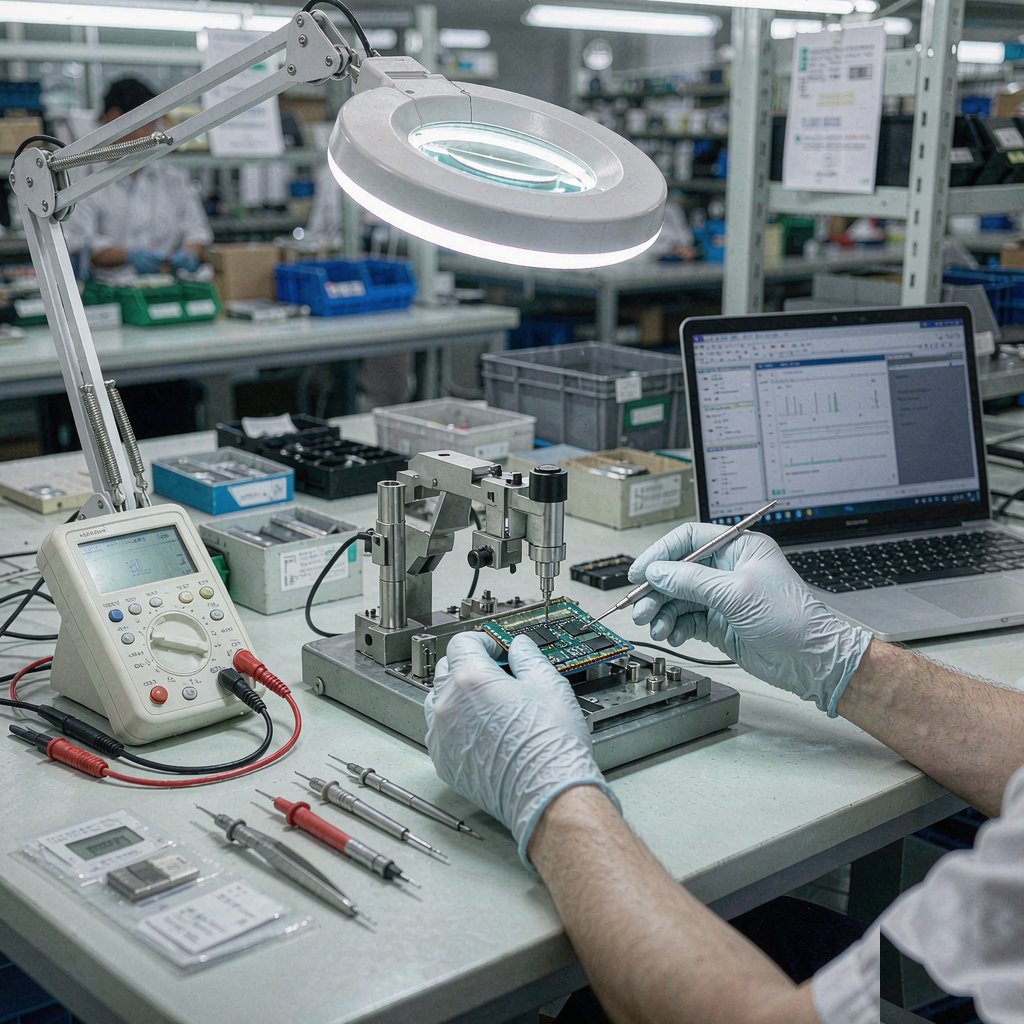
An industrial PC is specified backwards from the environment and the I/O, not forwards from the CPU. Get the enclosure, temperature and interface decisions right first, and the compute choice usually becomes obvious.
1. Fanless or fan-cooled
Fanless designs trade peak performance for silence, sealed dust protection and zero moving parts. They suit production lines, kiosks and vehicles. Fan-cooled towers cost less per gigahertz and suit control rooms and cabinets where filtered airflow is acceptable.
2. Temperature, dust and vibration
Check the stated operating temperature against the real installation: a fanless unit rated −20 to 60 °C still derates if it is mounted above a heat source. For wall or DIN-rail mounting near machinery, look for vibration tolerance and locking connectors rather than consumer barrel jacks.
3. I/O today and in year three
Count the serial ports, LAN ports, DIs/DOs and USB ports the project actually uses — then add the expansion slot or reserve capacity for the one that always gets requested later. A single PCIe or M.2 slot at purchase is cheaper than replacing the unit mid-project.
4. Mounting, power and OS support
Confirm the mounting style (rack, wall, DIN, VESA), the DC input range for vehicle or battery-powered sites, and long-term OS and driver support: industrial deployments outlive consumer Windows releases, so ask about the board's driver lifecycle before committing volume.
The cheapest industrial PC is rarely the one with the lowest unit price — it is the one that does not need a site visit in year two.
Configuring a unit with us
We supply fanless and fan-cooled industrial PCs from compact entry units to Core-class multi-LAN platforms, with wall, DIN and rack mounting options. Send the environment, I/O list and mounting constraints, and we will recommend a configuration with MOQ and lead time.